Language selection
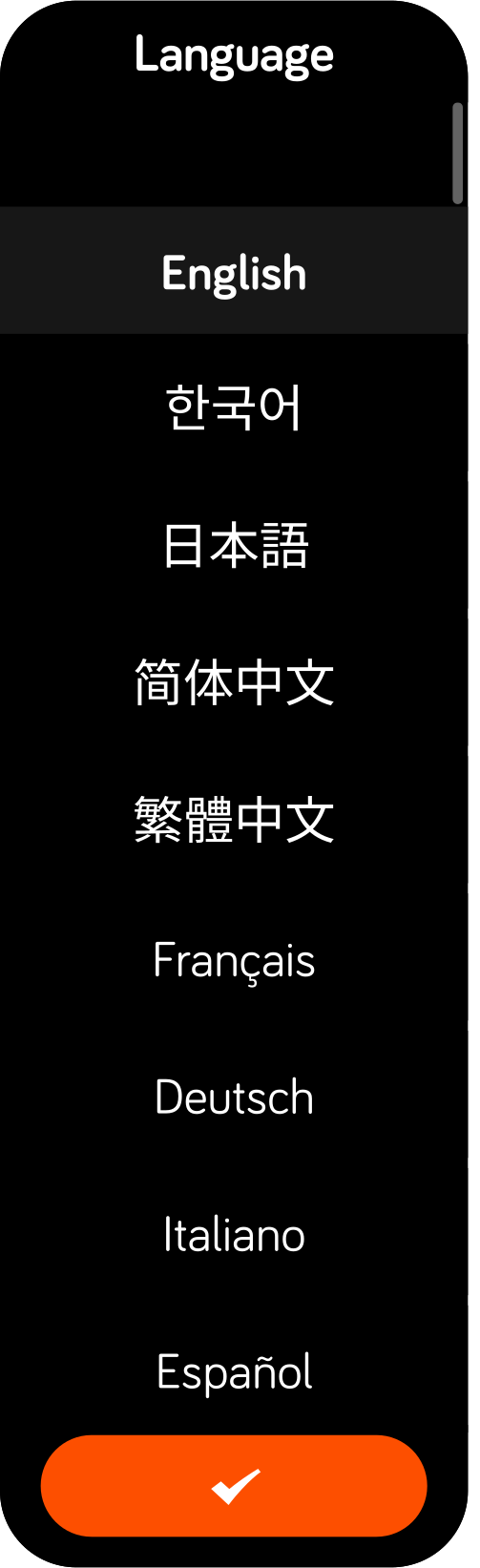
When the watch is turned on for the first time, you will be asked to select your language. This setting can be changed later in the settings menu.
Units
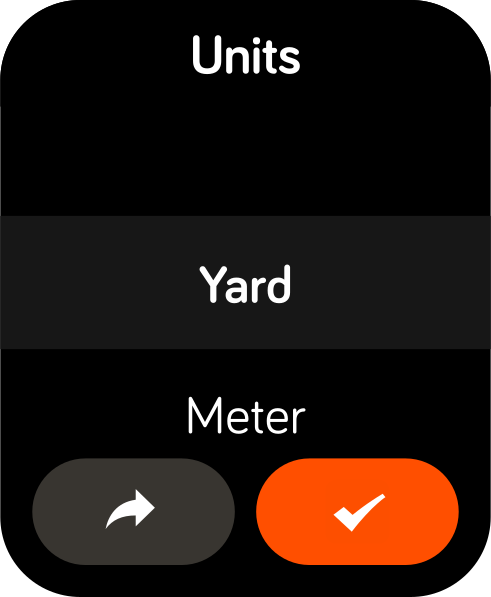
You will then be asked to choose your preferred distance unit (meters or yards). This setting can also be changed later.
Time & date
NAVO does not ask you to set the time manually.
The watch automatically sets the correct time when you start playing golf, using GPS. This ensures accurate local time without manual adjustment.